
[SOLVED] Secure neoPhp and fixed remote neofunction.php (+Guardian!) - Forum
[SOLVED] Secure neoPhp and fixed remote neofunction.php (+Guardian!)

Quote from noyzen on March 21, 2022, 9:25 amHi there,
In my config.php i have this:
//Allow self registration as user
$allowSelfRegistration=true;
$selfRegistrationLevel=1;
So new registered users will have level 1. (i checked in db file and its working)
I have this code Also:
//Insert sample
$sqlAlias[2]="insertSample";
$sqlQuerys[2]="INSERT INTO ttab (text, text2) VALUES (?,'test')";
$sqlMaxUserLevel[2]=1;
and it's not working give this error:
Database does not exists or not valid queryBut when i change 1 to -1 it works.
So... my user is level 1 I double checked at database, and command need level 1 but not working. (I login with that user before query)
Any idea?
Hi there,
In my config.php i have this:
//Allow self registration as user
$allowSelfRegistration=true;
$selfRegistrationLevel=1;
So new registered users will have level 1. (i checked in db file and its working)
I have this code Also:
//Insert sample
$sqlAlias[2]="insertSample";
$sqlQuerys[2]="INSERT INTO ttab (text, text2) VALUES (?,'test')";
$sqlMaxUserLevel[2]=1;
and it's not working give this error:
Database does not exists or not valid query
But when i change 1 to -1 it works.
So... my user is level 1 I double checked at database, and command need level 1 but not working. (I login with that user before query)
Any idea?
Quote from noyzen on March 21, 2022, 9:46 amWhen i run app offline i have that problem,
When i upload it on server (on different directory from neofunction.php) it works.
Seems like app must be online so login will work and user can access commands. if i use it on desktop or android app it wont work...
(OFFLINE: user can login and get back login data but will not stay logged in and cant use commands. ONLINE: everything work.)
at least i found what cause the problem! :))
When i run app offline i have that problem,
When i upload it on server (on different directory from neofunction.php) it works.
Seems like app must be online so login will work and user can access commands. if i use it on desktop or android app it wont work...
(OFFLINE: user can login and get back login data but will not stay logged in and cant use commands. ONLINE: everything work.)
at least i found what cause the problem! :))
Quote from noyzen on June 26, 2024, 10:59 pmLoL after 2 years I faced same problem and I found my own post here again!!
Still have that problem xD(Remote neofunctions.php, on level -1 everything works, on level 1 I get 'Database does not exists or not valid query')
Problem is with login system, login will work and i get user data back, but logged in user cannot access query commands (level -1 commands work)
I'm working on it... if anyone can help please let me know it's important for me to fix this! (so I can remotely use my databases on android or desktop app)UPDATE: I found out that on remote scenario when I login and then I query, i get 2 different session ID's for each...
But on same host, i get same session ID's so query works for logged in users!I think neofunction.php needs some edits to fix this bug. @luishp
LoL after 2 years I faced same problem and I found my own post here again!!
Still have that problem xD
(Remote neofunctions.php, on level -1 everything works, on level 1 I get 'Database does not exists or not valid query')
Problem is with login system, login will work and i get user data back, but logged in user cannot access query commands (level -1 commands work)
I'm working on it... if anyone can help please let me know it's important for me to fix this! (so I can remotely use my databases on android or desktop app)
UPDATE: I found out that on remote scenario when I login and then I query, i get 2 different session ID's for each...
But on same host, i get same session ID's so query works for logged in users!
I think neofunction.php needs some edits to fix this bug. @luishp

Quote from luishp on June 29, 2024, 6:02 pmHi @noyzen, I don't really know what's happening here.
Are you running your local app within a web server like neoPhp Server or just using file:// in the URL?But when i change 1 to -1 it works.
What happens if you change 1 to 0? Does it work?
Hi @noyzen, I don't really know what's happening here.
Are you running your local app within a web server like neoPhp Server or just using file:// in the URL?
But when i change 1 to -1 it works.
What happens if you change 1 to 0? Does it work?
Quote from noyzen on June 29, 2024, 6:08 pmHi Luis,
no only -1 works but to be sure, I will test 0 again with an admin user.
I spend days using AI tried to fix the problem, but I think I need help from whoever made neofunction.php
This is most important thing for me now and can give me a lot of power if we fix it!
I can make mobile or desktop apps (only web applicarions are possible now because remote connect to neofunctions.php bugged now)
I will be greatful if you help me fix this.
Regards
Hi Luis,
no only -1 works but to be sure, I will test 0 again with an admin user.
I spend days using AI tried to fix the problem, but I think I need help from whoever made neofunction.php
This is most important thing for me now and can give me a lot of power if we fix it!
I can make mobile or desktop apps (only web applicarions are possible now because remote connect to neofunctions.php bugged now)
I will be greatful if you help me fix this.
Regards
Quote from luishp on June 29, 2024, 6:13 pm@noyzen
but I think I need help from whoever made neofunction.php
Well, it was me, but some time ago LOL
To understand what's happening I need to be able to reproduce the problem here as easily and as fastest as possible (too busy)
but I think I need help from whoever made neofunction.php
Well, it was me, but some time ago LOL
To understand what's happening I need to be able to reproduce the problem here as easily and as fastest as possible (too busy)
Quote from noyzen on June 29, 2024, 6:21 pmOh thats good then if you made it.
about time, I can wait even years :D it will worth waiting and working on it.
Just compare both on-host and off-host (remote neofunction.php) then login and try a query. you will see whats wrong there...
and I will help you are not alone, I don't know php but I can do tests at least!! xD
Oh thats good then if you made it.
about time, I can wait even years :D it will worth waiting and working on it.
Just compare both on-host and off-host (remote neofunction.php) then login and try a query. you will see whats wrong there...
and I will help you are not alone, I don't know php but I can do tests at least!! xD
Quote from noyzen on June 29, 2024, 7:15 pmNote: I forgot to say, chatGPT was complaining about a problem with cookie management and JS call code which access neofunction.php on remote host.
I think you need to look to update neoPhp plugin javascript codes, where it want to send requests to neofunction.php
To answer your questions:
What happens if you change 1 to 0? Does it work?
Only -1 works. (because login fail to work, it has different sesion ID)
Are you running your local app within a web server like neoPhp Server or just using file:// in the URL?
On real remote host, like this: https://mysite.com/neofunctions.php
I think I can look neoPhp plugin source to see if I can fix it, but 1000% better and safer if you do that.
Note: I forgot to say, chatGPT was complaining about a problem with cookie management and JS call code which access neofunction.php on remote host.
I think you need to look to update neoPhp plugin javascript codes, where it want to send requests to neofunction.php
To answer your questions:
What happens if you change 1 to 0? Does it work?
Only -1 works. (because login fail to work, it has different sesion ID)
Are you running your local app within a web server like neoPhp Server or just using file:// in the URL?
On real remote host, like this: https://mysite.com/neofunctions.php
I think I can look neoPhp plugin source to see if I can fix it, but 1000% better and safer if you do that.
Quote from luishp on June 30, 2024, 6:29 pmHi @noyzen
On real remote host, like this: https://mysite.com/neofunctions.php
I mean your local environment, not the remote one. From where your VisualNEO Web app is running.
Have you checked the Web Browser Console error messages?I have attached plugin source code so you can take a look.
JavaScript part is quite simple.
Hi @noyzen
On real remote host, like this: https://mysite.com/neofunctions.php
I mean your local environment, not the remote one. From where your VisualNEO Web app is running.
Have you checked the Web Browser Console error messages?
I have attached plugin source code so you can take a look.
JavaScript part is quite simple.
Quote from noyzen on June 30, 2024, 7:07 pmI mean your local environment, not the remote one. From where your VisualNEO Web app is running.
Yes I tested that also.
No console errors, just 'Database does not exists or not valid query'.
Thanks for plugin, I will try to see if I can fix things... hard for me, but I have time and I need this. :)
I mean your local environment, not the remote one. From where your VisualNEO Web app is running.
Yes I tested that also.
No console errors, just 'Database does not exists or not valid query'.
Thanks for plugin, I will try to see if I can fix things... hard for me, but I have time and I need this. :)
Quote from noyzen on July 1, 2024, 10:34 amI cant post on forum or this topic anymore look attached images please. (lol now fixed! - VisualNEO site is blocked in Iran and I have to use many VPNs to reach)
I cant post on forum or this topic anymore look attached images please. (lol now fixed! - VisualNEO site is blocked in Iran and I have to use many VPNs to reach)
Uploaded files: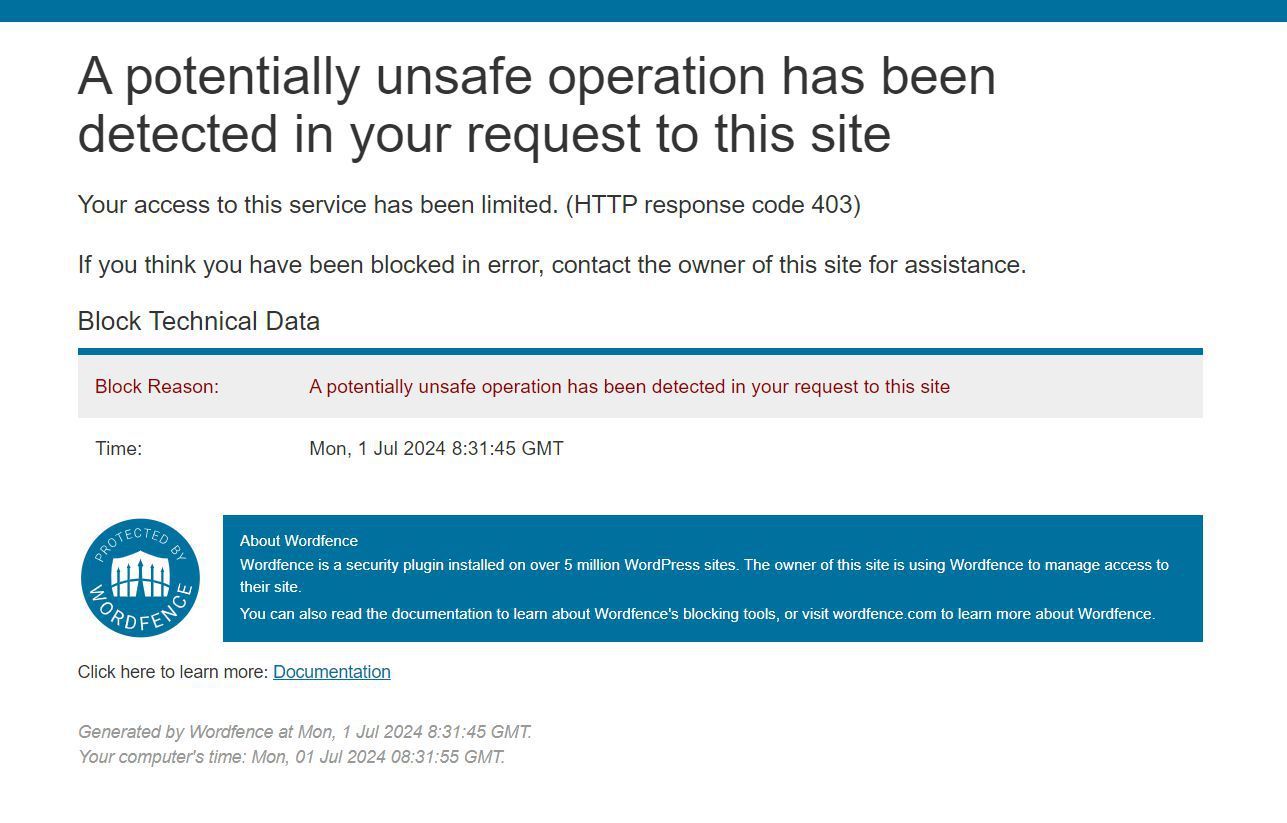
Quote from noyzen on July 1, 2024, 10:39 amGOOD NEWS!
I managed to fix neoPhp, but make sure you review everything to see if I accidently opened a security hole!!
AI became scary, I know simply nothing about Javascript or php... yet I managed to find and fix the problem.
Problem was cookies, on remote neofunction.php scenario, after login and running queries, we had 2 different Session IDs which caused the problem. user could login, but could NOT use queries (level 1 or 0 queries I mean).
So after hours and hours messing with ChatGPT I managed to solve the problem like this:
1- in config.php change this section:
//--------------Remote access--------------------------------------------------------
//Uncomment next line if you want to allow cross-origin access to neofunctions.php
to be Like this:
//--------------Remote access--------------------------------------------------------
//Uncomment next line if you want to allow cross-origin access to neofunctions.php

// Handle preflight OPTIONS request
if ($_SERVER['REQUEST_METHOD'] == 'OPTIONS') {
if (isset($_SERVER['HTTP_ACCESS_CONTROL_REQUEST_METHOD'])) {
header("Access-Control-Allow-Methods: POST, GET, OPTIONS");
}
if (isset($_SERVER['HTTP_ACCESS_CONTROL_REQUEST_HEADERS'])) {
header("Access-Control-Allow-Headers: " . $_SERVER['HTTP_ACCESS_CONTROL_REQUEST_HEADERS']);
}
exit(0);
}

// Allow cross-origin requests with credentials
if (isset($_SERVER['HTTP_ORIGIN'])) {
header("Access-Control-Allow-Origin: " . $_SERVER['HTTP_ORIGIN']);
header("Access-Control-Allow-Credentials: true");
header("Access-Control-Allow-Methods: POST, GET, OPTIONS");
header("Access-Control-Allow-Headers: Content-Type, Authorization, X-Requested-With");
}
Rest of steps in next posts... (because I get that error above if I write longer post!)
GOOD NEWS!
I managed to fix neoPhp, but make sure you review everything to see if I accidently opened a security hole!!
AI became scary, I know simply nothing about Javascript or php... yet I managed to find and fix the problem.
Problem was cookies, on remote neofunction.php scenario, after login and running queries, we had 2 different Session IDs which caused the problem. user could login, but could NOT use queries (level 1 or 0 queries I mean).
So after hours and hours messing with ChatGPT I managed to solve the problem like this:
1- in config.php change this section:
//--------------Remote access--------------------------------------------------------
//Uncomment next line if you want to allow cross-origin access to neofunctions.php
to be Like this:
//--------------Remote access--------------------------------------------------------
//Uncomment next line if you want to allow cross-origin access to neofunctions.php

// Handle preflight OPTIONS request
if ($_SERVER['REQUEST_METHOD'] == 'OPTIONS') {
if (isset($_SERVER['HTTP_ACCESS_CONTROL_REQUEST_METHOD'])) {
header("Access-Control-Allow-Methods: POST, GET, OPTIONS");
}
if (isset($_SERVER['HTTP_ACCESS_CONTROL_REQUEST_HEADERS'])) {
header("Access-Control-Allow-Headers: " . $_SERVER['HTTP_ACCESS_CONTROL_REQUEST_HEADERS']);
}
exit(0);
}

// Allow cross-origin requests with credentials
if (isset($_SERVER['HTTP_ORIGIN'])) {
header("Access-Control-Allow-Origin: " . $_SERVER['HTTP_ORIGIN']);
header("Access-Control-Allow-Credentials: true");
header("Access-Control-Allow-Methods: POST, GET, OPTIONS");
header("Access-Control-Allow-Headers: Content-Type, Authorization, X-Requested-With");
}
Rest of steps in next posts... (because I get that error above if I write longer post!)
Quote from noyzen on July 1, 2024, 10:42 am2 - in neofunction.php (top of it) add this lines before and after session_start();
<?php
//first remove previously saved id var
$currentSessionUserId = -1;

//fix problem with remote cookies and sessions (THIS PART DID THE JOB!!)
ini_set('session.cookie_samesite', 'None');
ini_set('session.cookie_secure', true);

//Session management.
session_start();

//now save session userid for later use in config.php queries.
$currentSession = $_SESSION["userid"];

//Files configuration
... blah blah blah, rest of code
And then look next step...
2 - in neofunction.php (top of it) add this lines before and after session_start();
<?php
//first remove previously saved id var
$currentSessionUserId = -1;

//fix problem with remote cookies and sessions (THIS PART DID THE JOB!!)
ini_set('session.cookie_samesite', 'None');
ini_set('session.cookie_secure', true);

//Session management.
session_start();

//now save session userid for later use in config.php queries.
$currentSession = $_SESSION["userid"];

//Files configuration
... blah blah blah, rest of code
And then look next step...
Quote from noyzen on July 1, 2024, 10:44 am3- in neoPhp plugin, on every single function, I have added:
xhrFields: {
withCredentials: true
},
For example, this is new neoPhpExecSql:
I cant put code, i get error above...I added that code to allow remote cookies on every function (ajax functions) on neoPhp plugin Javascript.
And boom! now neoPhp works on remote scenarios. but I repeat, this is all ChatGPT idea... and he is a bit dumb, so we need a human verification on all this changes @luishp :)
Oh and updated neoPhp plugin source is attached.
3- in neoPhp plugin, on every single function, I have added:
xhrFields: {
withCredentials: true
},
For example, this is new neoPhpExecSql:
I cant put code, i get error above...
I added that code to allow remote cookies on every function (ajax functions) on neoPhp plugin Javascript.
And boom! now neoPhp works on remote scenarios. but I repeat, this is all ChatGPT idea... and he is a bit dumb, so we need a human verification on all this changes @luishp :)
Oh and updated neoPhp plugin source is attached.
Uploaded files:Quote from noyzen on July 1, 2024, 11:42 amBRO! I HATE THAT F***KING WORDFENCE!!
I wrote like 10000 lines and clicked on submit and again i got that error and my text is gone! I have to write it all again! AND AGAIN!
I made a guardian .php for rate limiting and adding more security to neoPhp. (and It's modular and optional)
Add guardian.php in neofunction.php after adding config.php.
Like example below:

...neofunction.php codes...
//neoPHP plugin configuration file.
require 'config.php';

//add guardian.php for more security!
if (file_exists('guardian.php')) {
    require_once 'guardian.php';
}
...neofunction.php codes...
BUT I CANT POST ANYTHING please remove that bullshit from site! site is unusable for me I wrote this 1000000 times!
I can put the code I can attach files! anything I do I get that error and my text is cleared...
After trying to connect 100 VPNs to open forum and writing like 3 pages this I get that error!
BRO! I HATE THAT F***KING WORDFENCE!!
I wrote like 10000 lines and clicked on submit and again i got that error and my text is gone! I have to write it all again! AND AGAIN!
I made a guardian .php for rate limiting and adding more security to neoPhp. (and It's modular and optional)
Add guardian.php in neofunction.php after adding config.php.
Like example below:

...neofunction.php codes...
//neoPHP plugin configuration file.
require 'config.php';

//add guardian.php for more security!
if (file_exists('guardian.php')) {
    require_once 'guardian.php';
}
...neofunction.php codes...
BUT I CANT POST ANYTHING please remove that bullshit from site! site is unusable for me I wrote this 1000000 times!
I can put the code I can attach files! anything I do I get that error and my text is cleared...
After trying to connect 100 VPNs to open forum and writing like 3 pages this I get that error!
Uploaded files: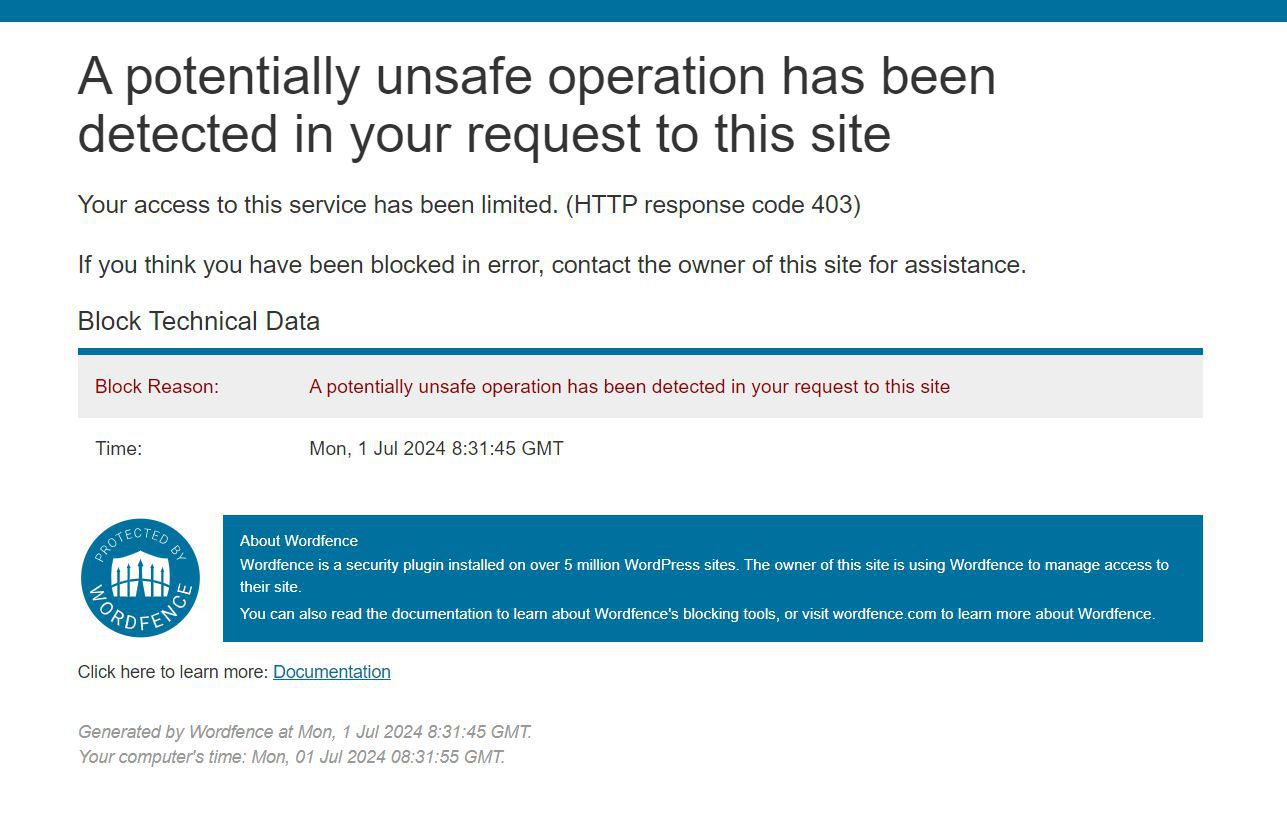
Quote from luishp on July 1, 2024, 12:18 pm@noyzen thank you so much for your awesome efforts!!!
I know the problems WordFence causes sometimes when we try to post code, but its presence is necessary to avoid forum hacking, spamming, etc.
Anyway you should be able to upload .zip files always with all the files you need to attach.
In worst scenario, you can use WeTransfer and/or WhatsApp to send me the information you need to publish and I will do it for you.
I'm so sorry for all the inconveniences, but I have not found a better solution yet to keep the forum safe.I will review your files as soon as I can, but everything sounds to me logical.
To tell you the truth I use ChatGPT constantly now for almost any task, including programming, of course.Thanks again!!
@noyzen thank you so much for your awesome efforts!!!
I know the problems WordFence causes sometimes when we try to post code, but its presence is necessary to avoid forum hacking, spamming, etc.
Anyway you should be able to upload .zip files always with all the files you need to attach.
In worst scenario, you can use WeTransfer and/or WhatsApp to send me the information you need to publish and I will do it for you.
I'm so sorry for all the inconveniences, but I have not found a better solution yet to keep the forum safe.
I will review your files as soon as I can, but everything sounds to me logical.
To tell you the truth I use ChatGPT constantly now for almost any task, including programming, of course.
Thanks again!!
Quote from luishp on July 3, 2024, 9:35 am@noyzen would you be so kind to share a .zip file with all the files and changes you have done until now?
I'm not sure if I have understood all your messages.
Thank you!
@noyzen would you be so kind to share a .zip file with all the files and changes you have done until now?
I'm not sure if I have understood all your messages.
Thank you!