
Button Color

Quote from rcohen on July 9, 2020, 11:46 pmI'm doing a test project linking buttons on a page to URL's as a launch page
Such a newbie question, but I can't seem to find how to change the actual color of the button. The "kind" drop down changes color with any of the preset choices, but I see no where to change the color directly. Under the "style" tab I see a background color choice, but this seems to only affect the hover state, and then only the lower half of what I'll guess is set for a gradient.
If I wanted to change the color of the normal button state to be a specific color or gradient range, where would I do that?
Thanks
I'm doing a test project linking buttons on a page to URL's as a launch page
Such a newbie question, but I can't seem to find how to change the actual color of the button. The "kind" drop down changes color with any of the preset choices, but I see no where to change the color directly. Under the "style" tab I see a background color choice, but this seems to only affect the hover state, and then only the lower half of what I'll guess is set for a gradient.
If I wanted to change the color of the normal button state to be a specific color or gradient range, where would I do that?
Thanks

Quote from asmat on July 10, 2020, 12:18 amHi @rcohen
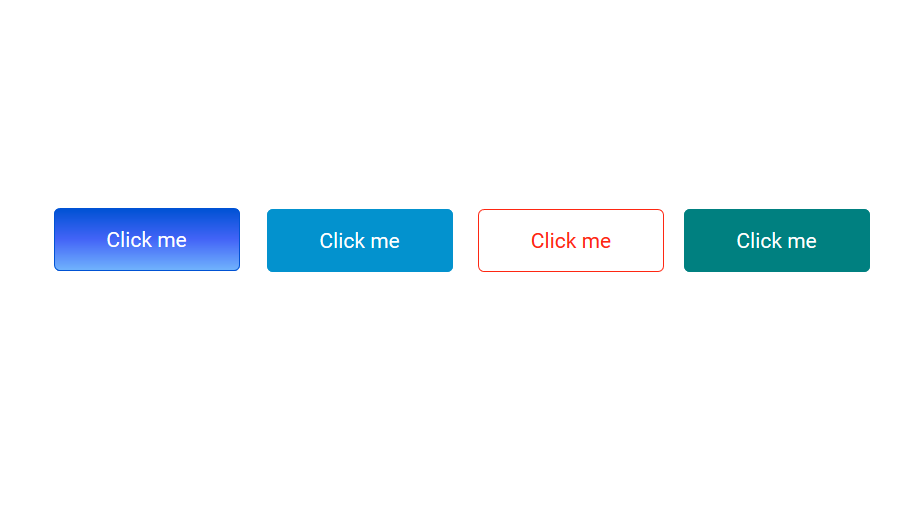
If you want have a custom button first of all you go to tools>neoThemeManger and select Cyborg Theme and then you can easily customize the background color of button. see the attached file.
Hi @rcohen
If you want have a custom button first of all you go to tools>neoThemeManger and select Cyborg Theme and then you can easily customize the background color of button. see the attached file.
Uploaded files:

Quote from luishp on July 10, 2020, 11:29 am@rcohen, perhaps you wuold like to take a look here for more information:
https://visualneo.com/forum/topic/modify-predefined-buttons-custom-colorRegards
@rcohen, perhaps you wuold like to take a look here for more information:
https://visualneo.com/forum/topic/modify-predefined-buttons-custom-color
Regards