
Dropdown

Quote from asmat on April 20, 2020, 10:57 pmHow can change the direction of dropdown from right to left(like whatsapp three dots option menu)?
How can change the direction of dropdown from right to left(like whatsapp three dots option menu)?
Uploaded files: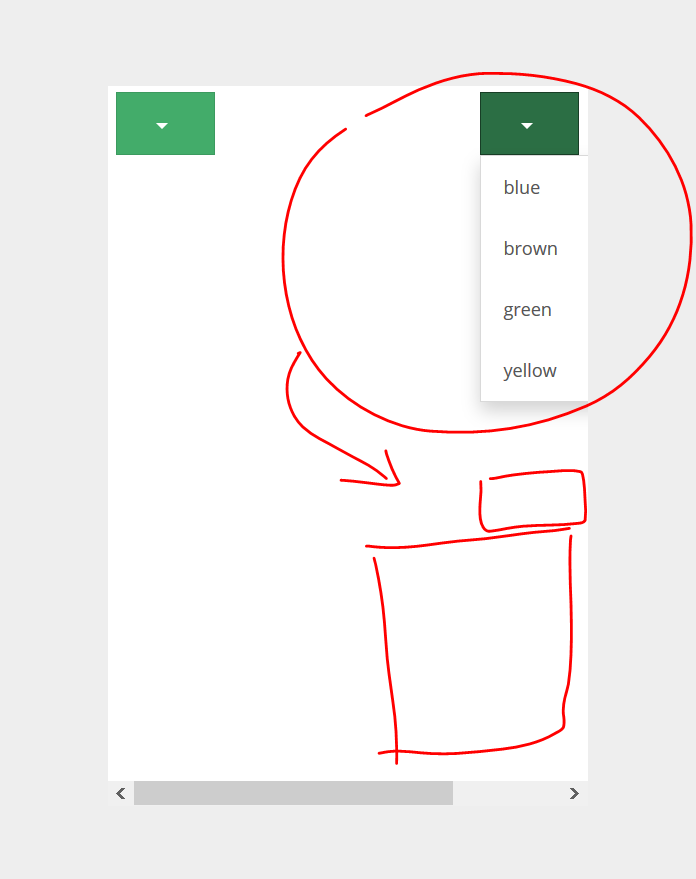

Quote from luishp on April 21, 2020, 11:55 am@asmat use this css:
.dropdown-menu{
   position:absolute!important;
   left:auto;
   right:0px;
}
Regards.
@asmat use this css:
.dropdown-menu{
   position:absolute!important;
   left:auto;
   right:0px;
}
Regards.
Quote from asmat on April 21, 2020, 3:26 pmThank you luishp!
Here I have one more question. I want open the dropdown with another button, it is possible?
I try this command:
ClickObject "Dropdown2"but it does not work.
Thank you luishp!
Here I have one more question. I want open the dropdown with another button, it is possible?
I try this command:
ClickObject "Dropdown2"
but it does not work.
Uploaded files: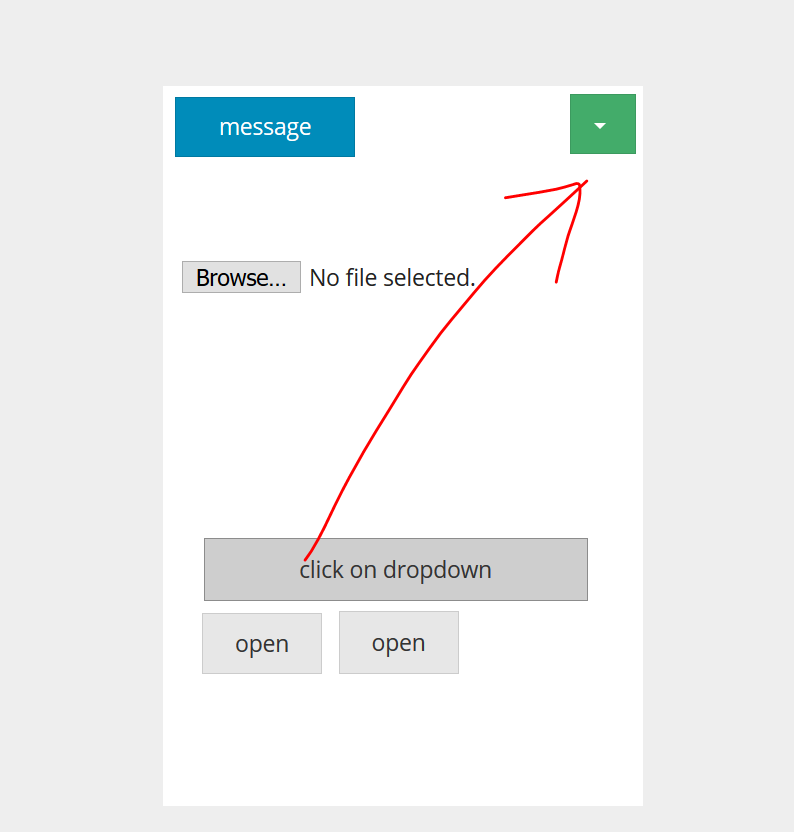
Quote from luishp on April 21, 2020, 3:59 pm@asmat, at first sight that's more complex than it seems. This is the JavaScript code that is executed when you press the drop down button:
function(t) {
  var e = a(this);
  if (!e.is(".disabled, :disabled")) {
    var i = l(e),
      o = i.hasClass("open");
    if (s(), !o) {
      "ontouchstart" in document.documentElement && !i.closest(".navbar-nav").length && a(document.createElement("div")).addClass("dropdown-backdrop").insertAfter(a(this)).on("click", s);
      var n = {
        relatedTarget: this
      };
      if (i.trigger(t = a.Event("show.bs.dropdown", n)), t.isDefaultPrevented()) return;
      e.trigger("focus").attr("aria-expanded", "true"), i.toggleClass("open").trigger(a.Event("shown.bs.dropdown", n))
    }
    return !1
  }
}
Not easy...
@asmat, at first sight that's more complex than it seems. This is the JavaScript code that is executed when you press the drop down button:
function(t) {
  var e = a(this);
  if (!e.is(".disabled, :disabled")) {
    var i = l(e),
      o = i.hasClass("open");
    if (s(), !o) {
      "ontouchstart" in document.documentElement && !i.closest(".navbar-nav").length && a(document.createElement("div")).addClass("dropdown-backdrop").insertAfter(a(this)).on("click", s);
      var n = {
        relatedTarget: this
      };
      if (i.trigger(t = a.Event("show.bs.dropdown", n)), t.isDefaultPrevented()) return;
      e.trigger("focus").attr("aria-expanded", "true"), i.toggleClass("open").trigger(a.Event("shown.bs.dropdown", n))
    }
    return !1
  }
}
Not easy...