
saveable "exe" file?

Quote from hector68 on October 18, 2021, 6:47 pmhello guys , plz help , how can i made a saveable "exe" file ? (at neobook 5)
after i run the exe file , if i change some values i want that changes going to be saved , can enyone help me any template or something ..
hello guys , plz help , how can i made a saveable "exe" file ? (at neobook 5)
after i run the exe file , if i change some values i want that changes going to be saved , can enyone help me any template or something ..
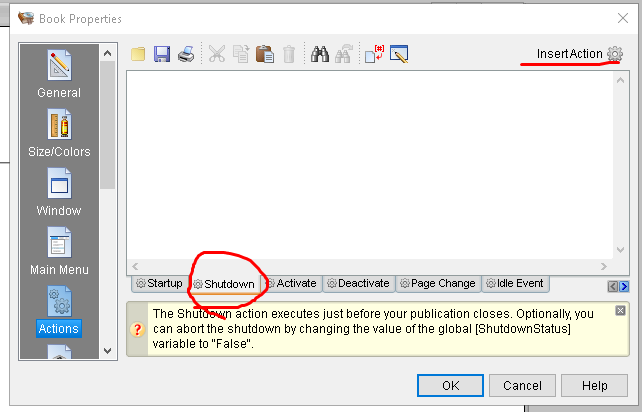
Uploaded files:

Quote from luishp on October 18, 2021, 7:33 pmHi @hector68. You can't modify an exe file on runtime. You should use external files or a database to save and retrieve data.
Regards.
Hi @hector68. You can't modify an exe file on runtime. You should use external files or a database to save and retrieve data.
Regards.

Quote from Vadim on October 18, 2021, 9:03 pm@hector68
Describe in detail what you want to achieve. I don't think I quite understand what you're talking about.
Describe in detail what you want to achieve. I don't think I quite understand what you're talking about.
Quote from hector68 on October 18, 2021, 9:46 pmhi @luishp , thank you , that was not my point, my english is bad im srry , also i don't know any C++
hi @vadim , im try to make a simple exe file , look like a small game , but i need a save button! or when i'm close the app its save all changes automatically .
hi @luishp , thank you , that was not my point, my english is bad im srry , also i don't know any C++
hi @vadim , im try to make a simple exe file , look like a small game , but i need a save button! or when i'm close the app its save all changes automatically .
Uploaded files: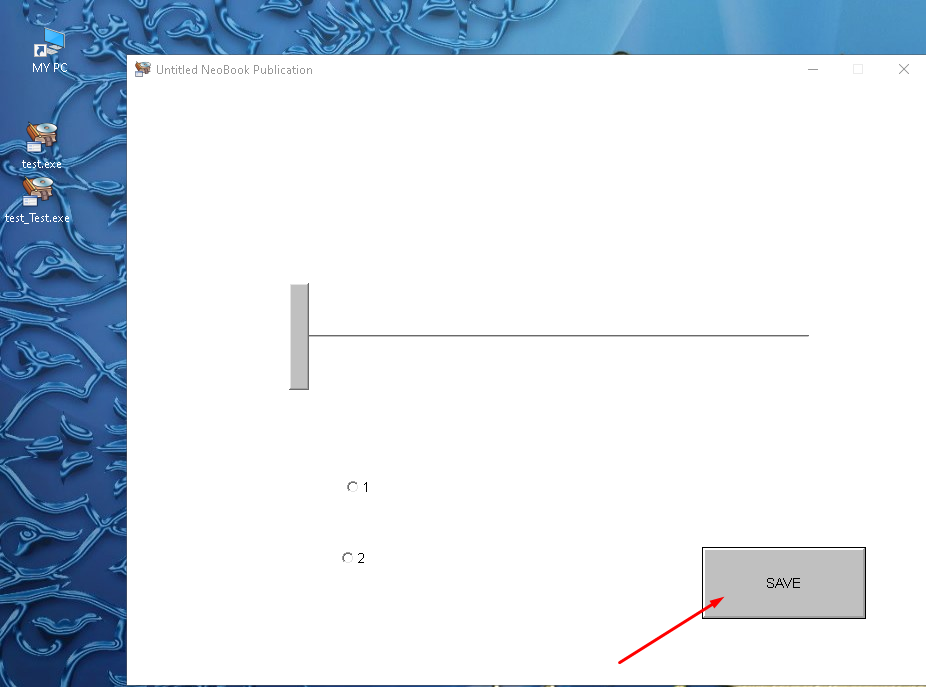
Quote from Vadim on October 18, 2021, 9:50 pm@hector68
If you need to save the current values of variables so that you can restore them the next time you run the application, use the SaveVariables and LoadVariables commands.
You can learn more about them here:
https://winhelp.visualneo.com/Variables1.htmlI hope this is what you were looking for.
If you need to save the current values of variables so that you can restore them the next time you run the application, use the SaveVariables and LoadVariables commands.
You can learn more about them here:
https://winhelp.visualneo.com/Variables1.html
I hope this is what you were looking for.

Quote from josevdr95 on October 18, 2021, 10:25 pmHola, si la mejor forma y más fácil es utilizando SaveVariables y LoadVariables hay otros métodos como los archivos ini y el registro de Windows. Te dejo un pequeño ejemplo usando SaveVariables y LoadVariables.
Saludos
Hola, si la mejor forma y más fácil es utilizando SaveVariables y LoadVariables hay otros métodos como los archivos ini y el registro de Windows. Te dejo un pequeño ejemplo usando SaveVariables y LoadVariables.
Saludos
Uploaded files: