
How to recover the Tool Pallet

Quote from Thomas Turner on July 18, 2024, 12:59 amI tried to use my licensed copy of Visual Neo Win the day before yesterday but noticed that the Tool Pallet is missing. Does anybody in the forum no why this happened? I know I didn't do anything out of the ordinary. However, I do remember there was somekind of a Windows Update about 3 days ago could this have affected the program? Should I re-install the program? I have written a couple of emails for help with this issue no response. Please help.
I tried to use my licensed copy of Visual Neo Win the day before yesterday but noticed that the Tool Pallet is missing. Does anybody in the forum no why this happened? I know I didn't do anything out of the ordinary. However, I do remember there was somekind of a Windows Update about 3 days ago could this have affected the program? Should I re-install the program? I have written a couple of emails for help with this issue no response. Please help.

Quote from luishp on July 18, 2024, 10:00 am@thomas-turner I'm not sure why your Tool Palette is hidden. Windows Update is probabhly not the cause.
Anyway all configuration data is stored in the Windows Registry, so editing or deleting the affected key(s) should solve the problem:\HKEY_CURRENT_USER\SOFTWARE\SinLios\VisualNeoWin\ToolPalettes\ToolBar
Of course, uninstalling and reinstalling will solve the problem too.
@thomas-turner I'm not sure why your Tool Palette is hidden. Windows Update is probabhly not the cause.
Anyway all configuration data is stored in the Windows Registry, so editing or deleting the affected key(s) should solve the problem:
\HKEY_CURRENT_USER\SOFTWARE\SinLios\VisualNeoWin\ToolPalettes\ToolBar
Of course, uninstalling and reinstalling will solve the problem too.
Quote from Thomas Turner on July 18, 2024, 3:11 pmLuis,
Good afternoon. I also have no idea what happened it is the strangest thing. I would like to enclose copies of the System Registry and a screenshot to show you how the program looks while running. I need to confirm with you if these are the correct settings in the system registry before reinstalling again.
Thanks
Luis,
Good afternoon. I also have no idea what happened it is the strangest thing. I would like to enclose copies of the System Registry and a screenshot to show you how the program looks while running. I need to confirm with you if these are the correct settings in the system registry before reinstalling again.
Thanks
Uploaded files: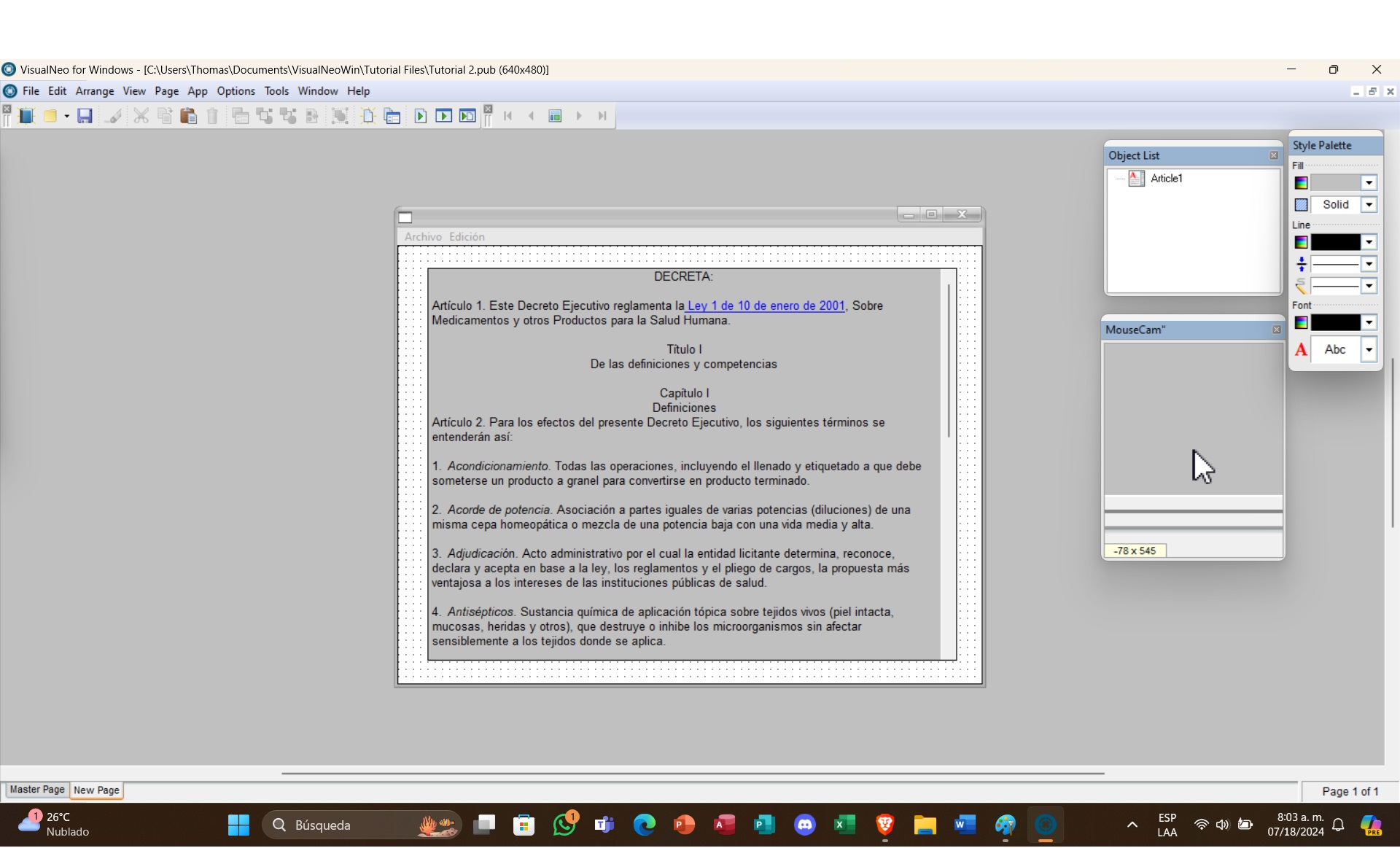
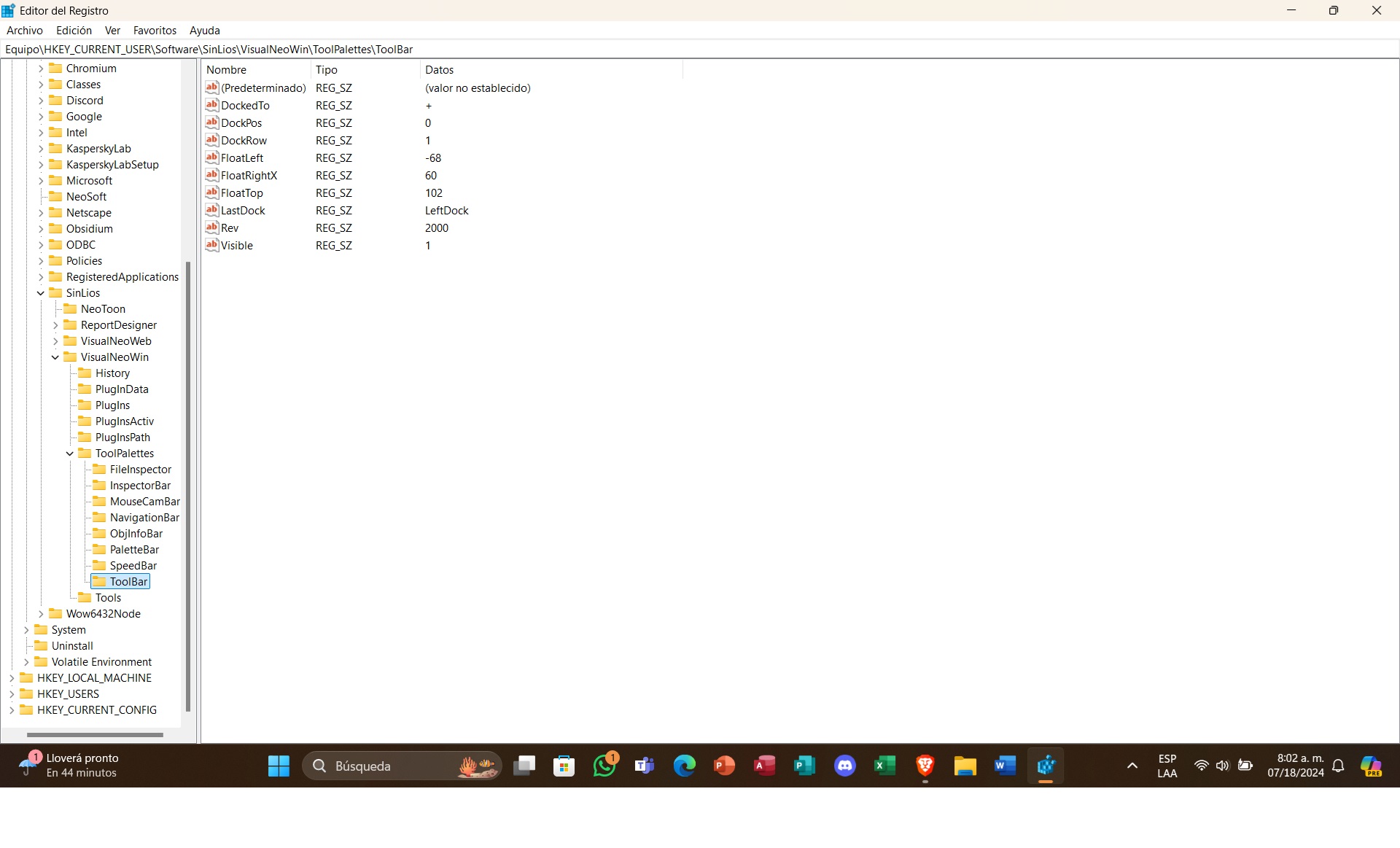
Quote from luishp on July 19, 2024, 5:53 pm@thomas-turner it seems it's the floatleft property that has a negative value (out of sight).
Just replace it with a 0 or positive value and done :)
@thomas-turner it seems it's the floatleft property that has a negative value (out of sight).
Just replace it with a 0 or positive value and done :)

Quote from markwayne on September 25, 2024, 11:14 amSometimes, the pallet could be accidentally minimized or hidden. Try going to the View or Window menu in Visual Neo Win to see if you can re-enable the Tool Pallet.
Sometimes, the pallet could be accidentally minimized or hidden. Try going to the View or Window menu in Visual Neo Win to see if you can re-enable the Tool Pallet.