
Iframe youtube embedded video does not load

Quote from sinmorph on December 8, 2022, 11:28 pmHey everyone, i am trying out an iframe with the help index link; https://www.youtube.com/embed/pa14VNsdSYM
it returns a dark screen stating "Video unavailable" while when i click watch on youtube a pop up browser window opens and the video starts.
i would like to find a way to embbed video, thank you!!
Edit;_ I think the link may have been outdated from thehelp index, i tried a new link with a youtube embedded style and it worked!
Hey everyone, i am trying out an iframe with the help index link; https://www.youtube.com/embed/pa14VNsdSYM
it returns a dark screen stating "Video unavailable" while when i click watch on youtube a pop up browser window opens and the video starts.
i would like to find a way to embbed video, thank you!!
Edit;_ I think the link may have been outdated from thehelp index, i tried a new link with a youtube embedded style and it worked!
Uploaded files: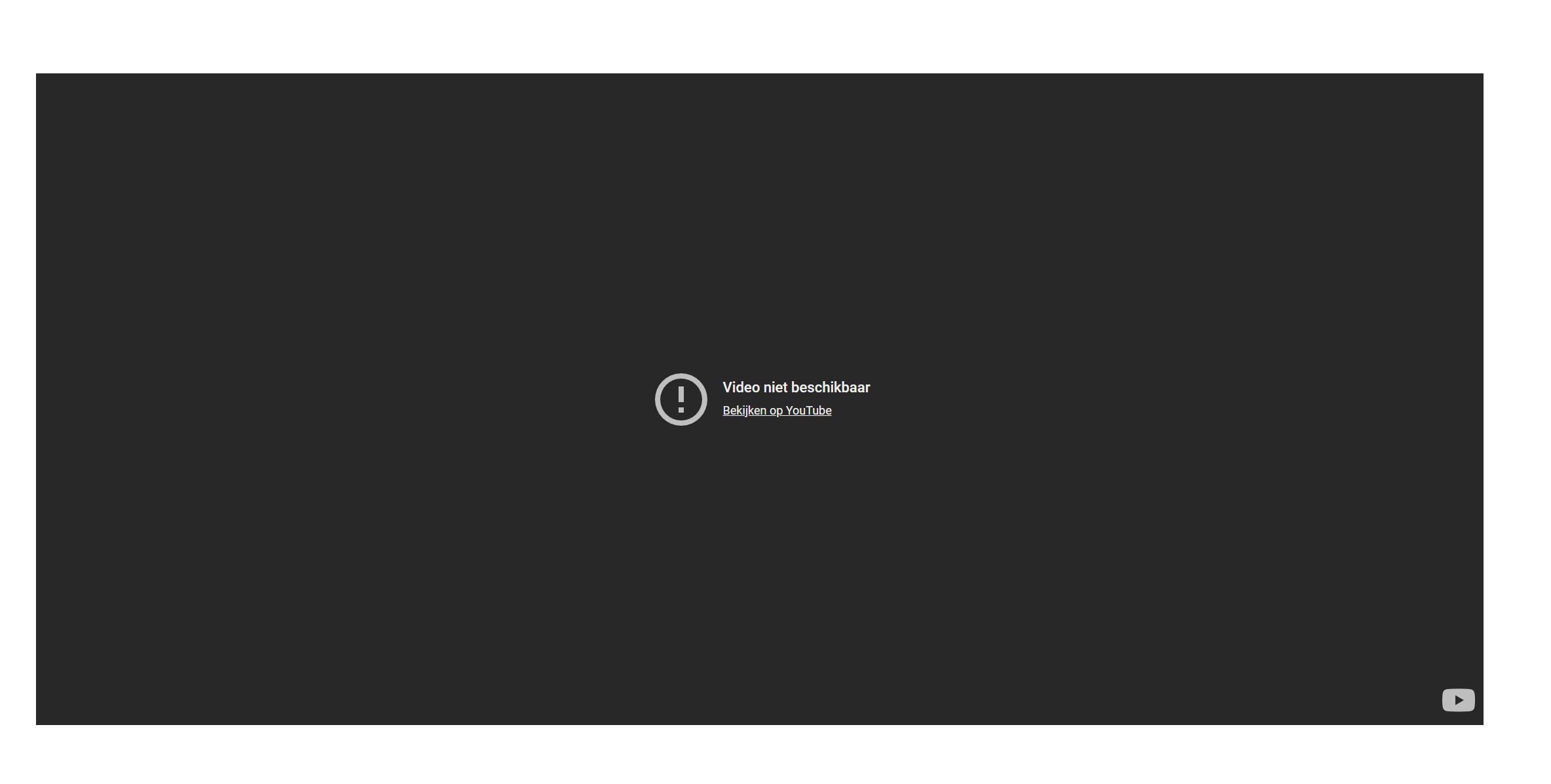

Quote from fkapnist on November 21, 2026, 5:10 pmQuote from sinmorph on December 8, 2022, 11:28 pmHey everyone, i am trying out an iframe with the help index link; https://www.youtube.com/embed/pa14VNsdSYM
it returns a dark screen stating "Video unavailable" while when i click watch on youtube a pop up browser window opens and the video starts.
i would like to find a way to embbed video, thank you!!
Edit;_ I think the link may have been outdated from thehelp index, i tried a new link with a youtube embedded style and it worked!
YouTube may refuse to play (error 153) when the page is opened straight from a file on your disk. You can no longer play youtube videos from a desktop app unless it is through a HTTP server. Free from Google Cloud Console: create a project, enable “YouTube Data API v3”, create an API key.
Why YouTube Shows Error 153 When Opened from a File and How to Fix It
Error 153 (“Video Player Configuration Error”) happens because YouTube’s embedded player can’t get the required referrer/origin information, which is missing or blocked when the video is opened from a local file instead of a web page.


Why it happens
YouTube’s player needs valid referrer and origin headers to initialize. When you open a YouTube video link directly from a file (e.g., double‑clicking an .mp4 or a shortcut in file://), the browser treats it as a local resource:

No referrer is sent.

Origin information is missing or blocked.

The embedded player can’t verify the request, so it refuses to start


.

This is why the error often appears only in embedded players or when the video is accessed from a local file rather than through youtube.com.

How to fix it
For viewers (local file access)
Use a web browser instead of file://
Open the YouTube link in a browser (Chrome, Edge, Firefox, etc.) rather than from a local file. This ensures the referrer/origin headers are sent


.

Clear YouTube cookies/cache


In Chrome: F12 → Application tab → Storage → Cookies (https://www.youtube.com) → Clear.

Then reload and test.

Disable extensions/privacy tools


Ad blockers, privacy filters, or VPN extensions can strip referrer headers. Disable them in an incognito window to test.

Try another browser


If it works in Edge/Firefox/Safari, your main browser may be blocking required headers.

On mobile apps
Update both the YouTube app and the app embedding it (news, learning, etc.), as outdated components may not meet YouTube’s current rules


.

For website/app owners (embed code)
If you control the embed page:

Ensure <iframe> uses src="https://www.youtube.com/embed/VIDEOID" with valid referrerPolicy="unset" and crossOrigin="anonymous" if needed


.

Avoid setting referrerpolicy to no-referrer or omitting referrer info.

Test with a real browser to confirm headers are sent.

Key takeaway
Opening YouTube from a local file bypasses the web environment, so the player can’t get the required referrer/origin data. The most reliable fix is to open the video through a browser or an app that can send proper headers, or adjust embed code to meet YouTube’s requirements


.
Quote from sinmorph on December 8, 2022, 11:28 pmHey everyone, i am trying out an iframe with the help index link; https://www.youtube.com/embed/pa14VNsdSYM
it returns a dark screen stating "Video unavailable" while when i click watch on youtube a pop up browser window opens and the video starts.
i would like to find a way to embbed video, thank you!!
Edit;_ I think the link may have been outdated from thehelp index, i tried a new link with a youtube embedded style and it worked!
YouTube may refuse to play (error 153) when the page is opened straight from a file on your disk. You can no longer play youtube videos from a desktop app unless it is through a HTTP server. Free from Google Cloud Console: create a project, enable “YouTube Data API v3”, create an API key.
Why YouTube Shows Error 153 When Opened from a File and How to Fix It
Error 153 (“Video Player Configuration Error”) happens because YouTube’s embedded player can’t get the required referrer/origin information, which is missing or blocked when the video is opened from a local file instead of a web page.


Why it happens
YouTube’s player needs valid referrer and origin headers to initialize. When you open a YouTube video link directly from a file (e.g., double‑clicking an .mp4 or a shortcut in file://), the browser treats it as a local resource:

No referrer is sent.

Origin information is missing or blocked.

The embedded player can’t verify the request, so it refuses to start


.

This is why the error often appears only in embedded players or when the video is accessed from a local file rather than through youtube.com.

How to fix it
For viewers (local file access)
Use a web browser instead of file://
Open the YouTube link in a browser (Chrome, Edge, Firefox, etc.) rather than from a local file. This ensures the referrer/origin headers are sent


.

Clear YouTube cookies/cache


In Chrome: F12 → Application tab → Storage → Cookies (https://www.youtube.com) → Clear.

Then reload and test.

Disable extensions/privacy tools


Ad blockers, privacy filters, or VPN extensions can strip referrer headers. Disable them in an incognito window to test.

Try another browser


If it works in Edge/Firefox/Safari, your main browser may be blocking required headers.

On mobile apps
Update both the YouTube app and the app embedding it (news, learning, etc.), as outdated components may not meet YouTube’s current rules


.

For website/app owners (embed code)
If you control the embed page:

Ensure <iframe> uses src="https://www.youtube.com/embed/VIDEOID" with valid referrerPolicy="unset" and crossOrigin="anonymous" if needed


.

Avoid setting referrerpolicy to no-referrer or omitting referrer info.

Test with a real browser to confirm headers are sent.

Key takeaway
Opening YouTube from a local file bypasses the web environment, so the player can’t get the required referrer/origin data. The most reliable fix is to open the video through a browser or an app that can send proper headers, or adjust embed code to meet YouTube’s requirements


.