
NeoEdge Icon Change

Quote from EduardoVolpi on December 29, 2021, 4:53 pmI tried to change the NeoEdge icon using Resource Hacker but the recompiled executable doesn't work. I tried it with the NW.js executable and it worked fine. I don't know... maybe because NeoEdge was compiled with VisualNeo Win with the compress options enabled?
I tried to change the NeoEdge icon using Resource Hacker but the recompiled executable doesn't work. I tried it with the NW.js executable and it worked fine. I don't know... maybe because NeoEdge was compiled with VisualNeo Win with the compress options enabled?

Quote from luishp on December 29, 2021, 7:31 pm@eduardovolpi I never use compress options to compile VisualNEO Win projects. I don't know why are you having problems.
Anyway I will take a look.Regards.
@eduardovolpi I never use compress options to compile VisualNEO Win projects. I don't know why are you having problems.
Anyway I will take a look.
Regards.
Quote from EduardoVolpi on December 29, 2021, 9:08 pmI see. I'm probably doing something wrong here.
I see. I'm probably doing something wrong here.

Quote from emo on December 29, 2021, 10:54 pmHi, @eduardovolpi
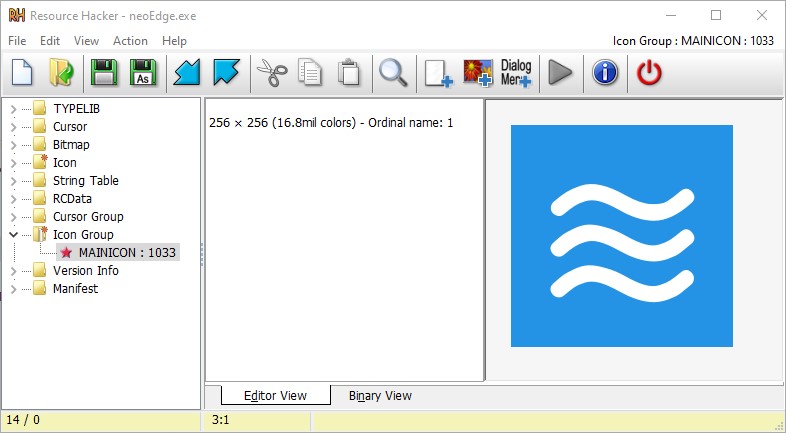
Just change this one
Hi, @eduardovolpi
Just change this one
Uploaded files:
Quote from emo on December 29, 2021, 11:14 pmHi, @eduardovolpi
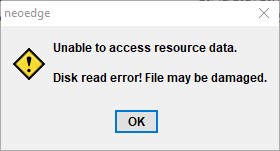
Sorry, you're right, when you change the icon stops working
Hi, @eduardovolpi
Sorry, you're right, when you change the icon stops working
Uploaded files:
Quote from EduardoVolpi on December 29, 2021, 11:26 pmHi @emmanuel-fernandez
Thanks for helping and yes, that is what happens.
Thanks for helping and yes, that is what happens.
Uploaded files: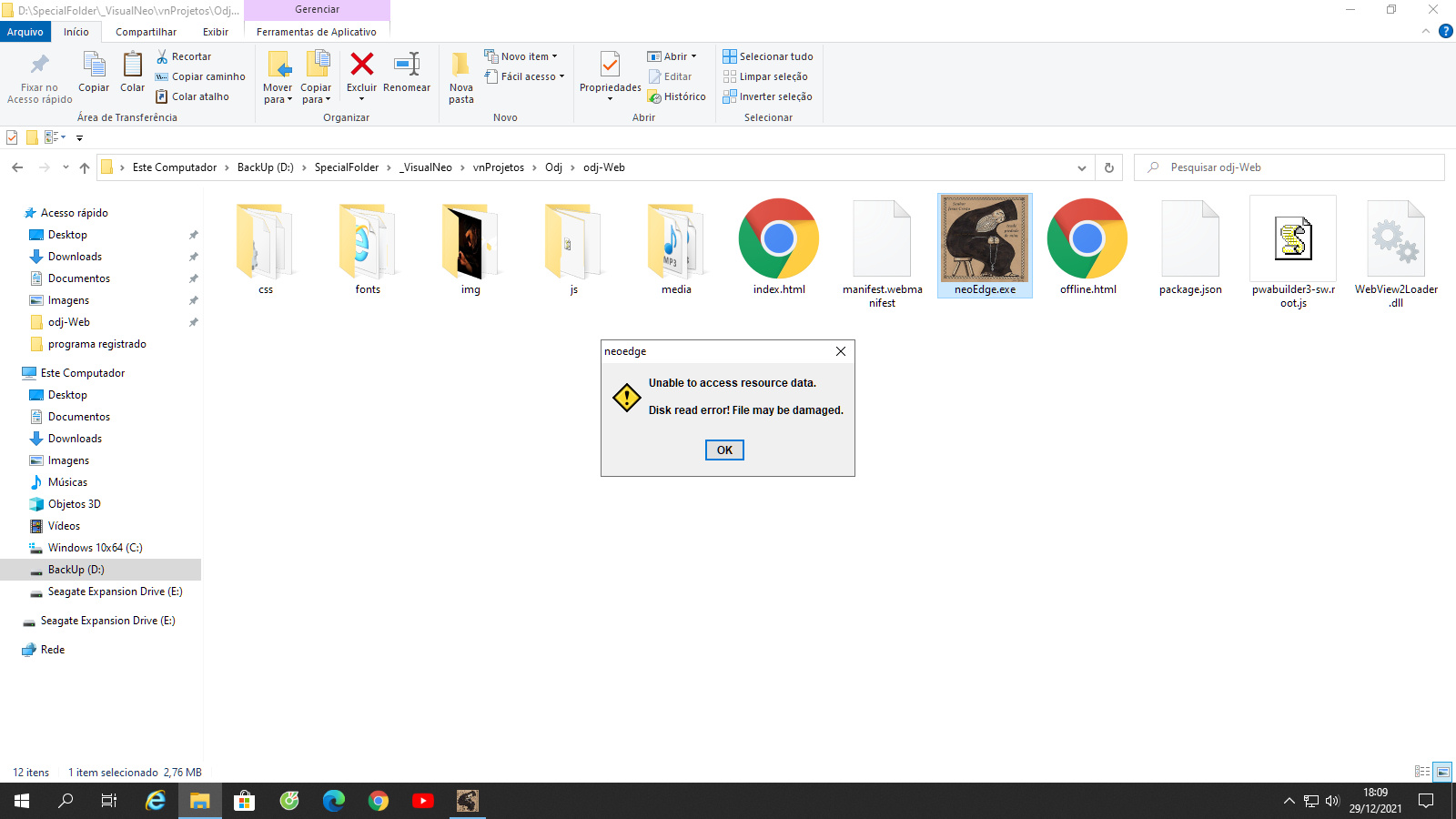
Quote from luishp on December 30, 2021, 9:22 am@eduardovolpi @emmanuel-fernandez, sorry it seems the executable was compressed. I have recompiled neoEdge and uploaded it to the server. Please download again and let me know if it solves the problem.
Thanks so much!
@eduardovolpi @emmanuel-fernandez, sorry it seems the executable was compressed. I have recompiled neoEdge and uploaded it to the server. Please download again and let me know if it solves the problem.
Thanks so much!
Quote from EduardoVolpi on December 30, 2021, 5:07 pmThanks @luishp. It still doesn't work. It seems that it is not possible to modify any resource of an executable compiled with VisualNeo Win using programs like Resource Hacker and similar without damaging it.
Thanks @luishp. It still doesn't work. It seems that it is not possible to modify any resource of an executable compiled with VisualNeo Win using programs like Resource Hacker and similar without damaging it.
Quote from emo on December 31, 2021, 6:53 pmHi @eduardovolpi ,
I have not been able to, but you can create an application in visualneowin that acts as a launcher.
In it you embed in a zip all the files of the application, including the neoedge and the application generated with visualneoweb.
Then you unzip in a temporary directory, and run neoedge from the launcher , so in the launcher you can put the icon you want.
I haven't tried it, but it's the only thing I can think of if you don't have npedge to compile your own neoEdge.exe
Greetings
Hi @eduardovolpi ,
I have not been able to, but you can create an application in visualneowin that acts as a launcher.
In it you embed in a zip all the files of the application, including the neoedge and the application generated with visualneoweb.
Then you unzip in a temporary directory, and run neoedge from the launcher , so in the launcher you can put the icon you want.
I haven't tried it, but it's the only thing I can think of if you don't have npedge to compile your own neoEdge.exe
Greetings
Quote from emo on December 31, 2021, 7:38 pm@eduardovolpi I tested and it works ok, here is a template working demo:
@eduardovolpi I tested and it works ok, here is a template working demo:
Uploaded files:
Quote from EduardoVolpi on December 31, 2021, 8:44 pmWow! In fact, it works. Thank you for pointing me to this solution @emmanuel-fernandez !
Wow! In fact, it works. Thank you for pointing me to this solution @emmanuel-fernandez !
Quote from emo on December 31, 2021, 10:29 pmYes!, and you also maintain additional protection to the application generated with visualneoweb so that they can not alter it ;-)
Happy new year!
Yes!, and you also maintain additional protection to the application generated with visualneoweb so that they can not alter it ;-)
Happy new year!
Quote from EduardoVolpi on January 1, 2022, 1:54 amThank you for the new example.
Happy New Year!!
Thank you for the new example.
Happy New Year!!
Quote from emo on January 1, 2022, 12:19 pmHI @luishp, @eduardovolpi There is a better solution!
If luis compiles a new version of NeoEdge.exe with this in the initialize routine:
From the tests I've done, the icon must be a .ico
:Initialize
  .custom icon
  FileExists "[CurrentDir]\img\custom-icon.ico" "[Result]"
  If "[Result]" "=" "true"
     LoadIcon "[CurrentDir]\img\custom-icon.ico" "MainIcon"
  EndIf
HI @luishp, @eduardovolpi There is a better solution!
If luis compiles a new version of NeoEdge.exe with this in the initialize routine:
From the tests I've done, the icon must be a .ico
:Initialize
  .custom icon
  FileExists "[CurrentDir]\img\custom-icon.ico" "[Result]"
  If "[Result]" "=" "true"
     LoadIcon "[CurrentDir]\img\custom-icon.ico" "MainIcon"
  EndIf
Quote from EduardoVolpi on January 1, 2022, 2:01 pmVery good @emmanuel-fernandezdez !
Very good @emmanuel-fernandezdez !
Quote from luishp on January 1, 2022, 6:11 pm@emmanuel-fernandez @eduardovolpi
Done! but I have used icon.ico instead of custom-icon.ico.
Please download from the downloads page.Thank you!
@emmanuel-fernandez @eduardovolpi
Done! but I have used icon.ico instead of custom-icon.ico.
Please download from the downloads page.
Thank you!