
Neoquiz and Print


Quote from luishp on May 13, 2020, 6:42 pmHi @m-burdess. Do you mean to print on screen or in a paper printer?
Hi @m-burdess. Do you mean to print on screen or in a paper printer?
Quote from m.burdess on May 13, 2020, 6:54 pmHi @luishp
What I would like to be able to do, is print on paper as if it was a test paper, and later be able to have this as a pdf, again so being able to print later if you have no printer available.
Hi @luishp
What I would like to be able to do, is print on paper as if it was a test paper, and later be able to have this as a pdf, again so being able to print later if you have no printer available.
Quote from luishp on May 13, 2020, 7:05 pm@m-burdess as you can show all the questions and answers at the end of the questionaire, just use this code on the "On complete quiz" event subroutine. Use neoQuizSetEvents command the setup that subroutine.
BeginJS
  var printContents = $('#Container1').html();
  w = window.open();
  w.document.write(printContents);
  w.document.close();
  w.focus();
  w.print();
  w.close();
EndJS
Change Container1 with your Quizz container name.
You can use neoPDF plugin to generate a PDF from the Container HTML using GetObjectHTML and neoPdfHtml command.Regards.
@m-burdess as you can show all the questions and answers at the end of the questionaire, just use this code on the "On complete quiz" event subroutine. Use neoQuizSetEvents command the setup that subroutine.
BeginJS
  var printContents = $('#Container1').html();
  w = window.open();
  w.document.write(printContents);
  w.document.close();
  w.focus();
  w.print();
  w.close();
EndJS
Change Container1 with your Quizz container name.
You can use neoPDF plugin to generate a PDF from the Container HTML using GetObjectHTML and neoPdfHtml command.
Regards.
Quote from m.burdess on May 14, 2020, 9:54 am@luishp
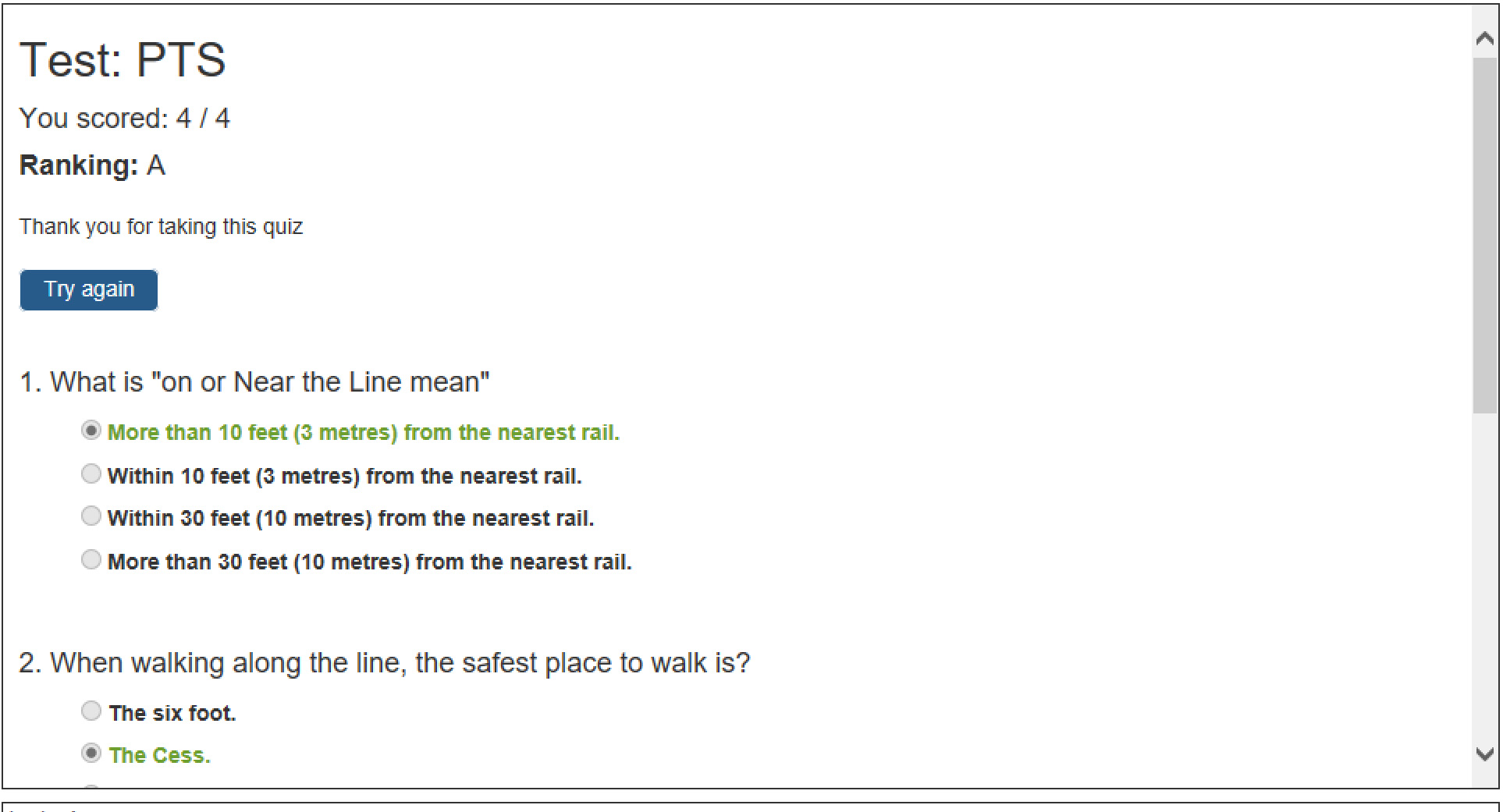
I have test the code and it works, but does not give me the look that I am after. The image CodeScreen shows what I get and what I would like is that from the screen (TestPTS). The only change I have made from the example is change the questions and added the code. One thing I have also added is ASCII code in one question for double quotes ( " )
I have test the code and it works, but does not give me the look that I am after. The image CodeScreen shows what I get and what I would like is that from the screen (TestPTS). The only change I have made from the example is change the questions and added the code. One thing I have also added is ASCII code in one question for double quotes ( " )
Uploaded files: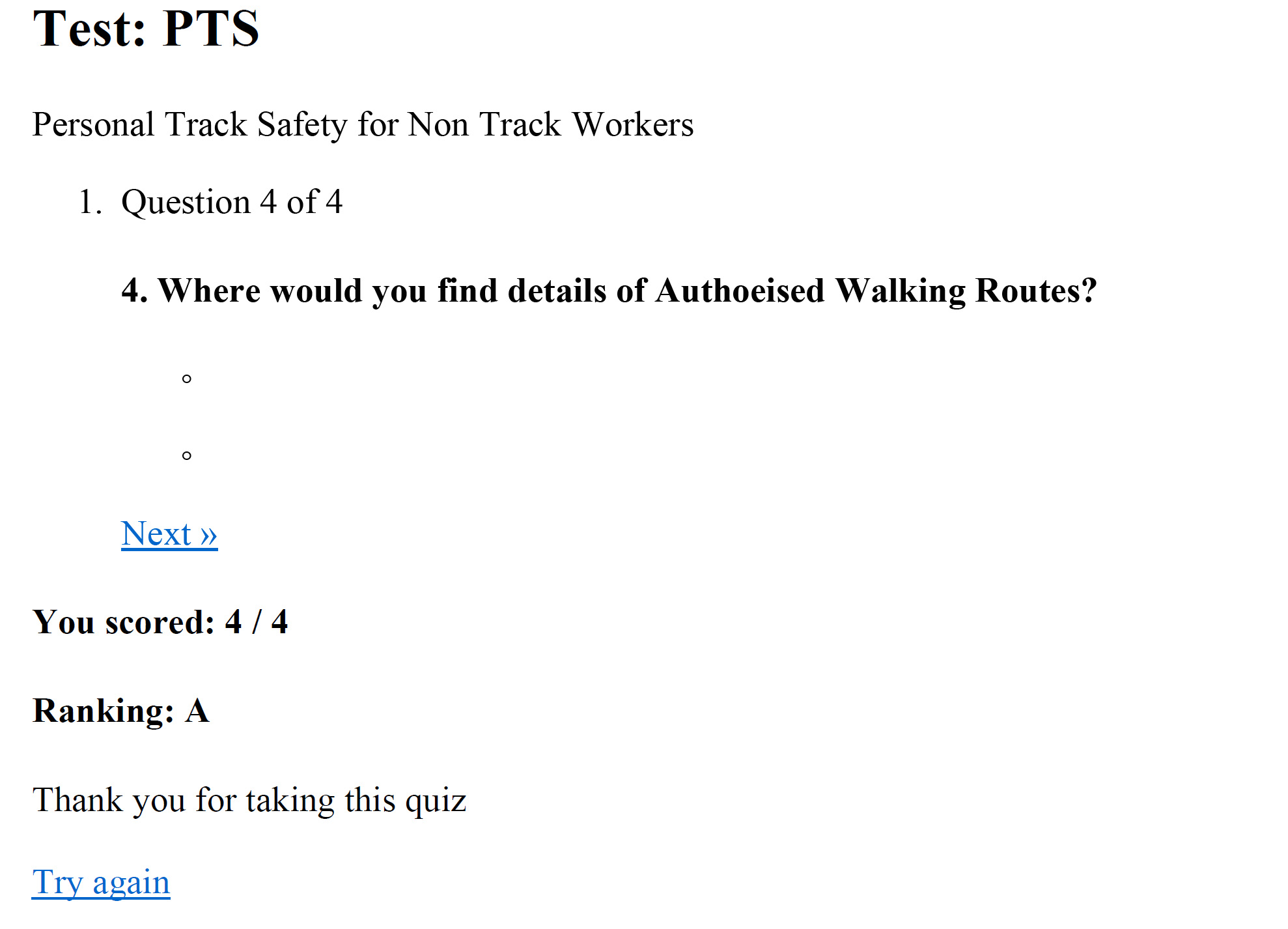
Quote from luishp on May 14, 2020, 11:23 am@m-burdess well lets try importing the CSS styles to the opened printing window, as the previous one was pure HTML:
BeginJS
  var printContents = $('#Container1').html();
  w = window.open();
  w.document.write('<html><head><title></title>');
  w.document.write('<link rel="stylesheet" href="css/slickQuizz.css" type="text/css" media="print" />');
  w.document.write('<link rel="stylesheet" href="css/slickQuizzTest.css" type="text/css" media="print" />');
  w.document.write(printContents);
  w.document.write('</head><body >');
  w.document.close();
  w.focus();
  setTimeout(function(){w.print();},1000);
  w.close();
EndJS
I think this should add the correct styles to your printing.
Regards.
@m-burdess well lets try importing the CSS styles to the opened printing window, as the previous one was pure HTML:
BeginJS
  var printContents = $('#Container1').html();
  w = window.open();
  w.document.write('<html><head><title></title>');
  w.document.write('<link rel="stylesheet" href="css/slickQuizz.css" type="text/css" media="print" />');
  w.document.write('<link rel="stylesheet" href="css/slickQuizzTest.css" type="text/css" media="print" />');
  w.document.write(printContents);
  w.document.write('</head><body >');
  w.document.close();
  w.focus();
  setTimeout(function(){w.print();},1000);
  w.close();
EndJS
I think this should add the correct styles to your printing.
Regards.
Quote from BGUK on May 14, 2020, 3:43 pmI have added your code to the Finish subroutine following the Alert statement but nothing is displayed.
Can you please explain further and where the GetObjectHTML and neoPdfHtml commands should be coded.
I have added your code to the Finish subroutine following the Alert statement but nothing is displayed.
Can you please explain further and where the GetObjectHTML and neoPdfHtml commands should be coded.
Quote from luishp on May 14, 2020, 5:30 pm@bguk and @m-burdess sorry this has been more difficult than expected.
Please take a look at the attached sample app. I have tested it and works.
This is the code in the Print Button:.Put content at the top of the page. TopCenterApp .Be sure the page is large enough to show the all quizz content BeginJS $("#NewPage").css("height","1000px"); EndJS .Hide border SetObjectStyle "Container1" "border-width" "0px" .Position de Quizz Container at the top left 100% width and height auto to show all content SetObjectStyle "Container1" "top" "0px" SetObjectStyle "Container1" "left" "0px" SetObjectStyle "Container1" "width" "100%" SetObjectStyle "Container1" "height" "auto" .Hide all the elements we don't want to print SetObjectStyle "Container2" "display" "none" SetObjectStyle "PushButton1" "display" "none" .Wait to be sure all the positioning is done Wait 200 BeginJS window.print(); $("#NewPage").css("height","600px"); EndJS .Return all elements to previous styles. ClearObjectStyles "Container1" ClearObjectStyles "Container2" ClearObjectStyles "PushButton1" CenterApp EndWaitYou will have to customize it to your page elements.
Regards.
@bguk and @m-burdess sorry this has been more difficult than expected.
Please take a look at the attached sample app. I have tested it and works.
This is the code in the Print Button:
.Put content at the top of the page.
TopCenterApp

.Be sure the page is large enough to show the all quizz content
BeginJS
  $("#NewPage").css("height","1000px");
EndJS

.Hide border
SetObjectStyle "Container1" "border-width" "0px"

.Position de Quizz Container at the top left 100% width and height auto to show all content
SetObjectStyle "Container1" "top" "0px"
SetObjectStyle "Container1" "left" "0px"
SetObjectStyle "Container1" "width" "100%"
SetObjectStyle "Container1" "height" "auto"

.Hide all the elements we don't want to print
SetObjectStyle "Container2" "display" "none"
SetObjectStyle "PushButton1" "display" "none"

.Wait to be sure all the positioning is done
Wait 200
  BeginJS
    window.print();
    $("#NewPage").css("height","600px");
  EndJS
  .Return all elements to previous styles.
  ClearObjectStyles "Container1"
  ClearObjectStyles "Container2"
  ClearObjectStyles "PushButton1"
  CenterApp
EndWait
You will have to customize it to your page elements.
Regards.
Quote from BGUK on May 14, 2020, 7:04 pmThanks Luishp and the app. works well now for me.
Is there any way of adding the CSS requested by m-burdess?
How are the CSS files slickQuizz.CSS and slickQuizzTest.CSS generated as they do not appear in any of the code.?
Thanks Luishp and the app. works well now for me.
Is there any way of adding the CSS requested by m-burdess?
How are the CSS files slickQuizz.CSS and slickQuizzTest.CSS generated as they do not appear in any of the code.?
Quote from luishp on May 14, 2020, 8:28 pmIs there any way of adding the CSS requested by m-burdess?
How are the CSS files slickQuizz.CSS and slickQuizzTest.CSS generated as they do not appear in any of the code.?Forget it. It doesn't work, but you don't need them. That's the reason I have printed the current window instead of to open a new one. This way we can use the already present CSS. The neoQuizz plugin was not designed to be printed but it's possible to do it.
Is there any way of adding the CSS requested by m-burdess?
How are the CSS files slickQuizz.CSS and slickQuizzTest.CSS generated as they do not appear in any of the code.?
Forget it. It doesn't work, but you don't need them. That's the reason I have printed the current window instead of to open a new one. This way we can use the already present CSS. The neoQuizz plugin was not designed to be printed but it's possible to do it.
Quote from m.burdess on May 15, 2020, 6:07 pm@luishp
Thank you, that works well. Do you know of a web site that will help me to understand and Learn this coding, please.
Regards
@luishp
Thank you, that works well. Do you know of a web site that will help me to understand and Learn this coding, please.
Regards
Quote from luishp on May 15, 2020, 6:58 pm@m-burdess the more you know about HTML and CSS the better. Just a little bit of JavaScript would be great. This is an excelent place to learn web technologies:
https://www.w3schools.com/Regards.
@m-burdess the more you know about HTML and CSS the better. Just a little bit of JavaScript would be great. This is an excelent place to learn web technologies:
https://www.w3schools.com/
Regards.