(Pseudo) Spliter to resize two Container/Controls ? - Forum

Forum Navigation
You need to log in to create posts and topics.

(Pseudo) Spliter to resize two Container/Controls ?

Hello, in the old Neobook Forum , there was examples to create a Workaround. to make anything like Spliter to resize two (neighbor) Controls (Container or so).

I rember, maybe from a other Environment, with Buttons (as Splitter) and Mouse Events. The old Forums says anything  about Drag and Drop, but the Examples can not be downloaded anymore.

A small hint will be helpful.

Thanks

@joreg-buschatzky

Uploaded files:
luishp has reacted to this post.
luishp

Thank you, nice example ;-)

Is there a way to change the mouse icon ?  It is a little bit old baked . Maybe, you can have one for Up/down  and a other for Left/right Change . I found no action for this.

Thanks

@joreg-buschatzky

Project>Project Properties>General>Cursors>Drag and Drop


Or use a plugin that changes the cursor on the fly.

luishp has reacted to this post.
luishp

@mishem

Can this be done with a button and with a Rectangle, with open width of 250 and closed of 40?

@mishem

Got it working with Button.

I created a Splitter Plugin in PureBasic a few months ago... It works pretty well.
https://visualneo.com/forum/topic/new-plugin-splitter-control-1-5-26

alangonzalez91 has reacted to this post.
alangonzalez91

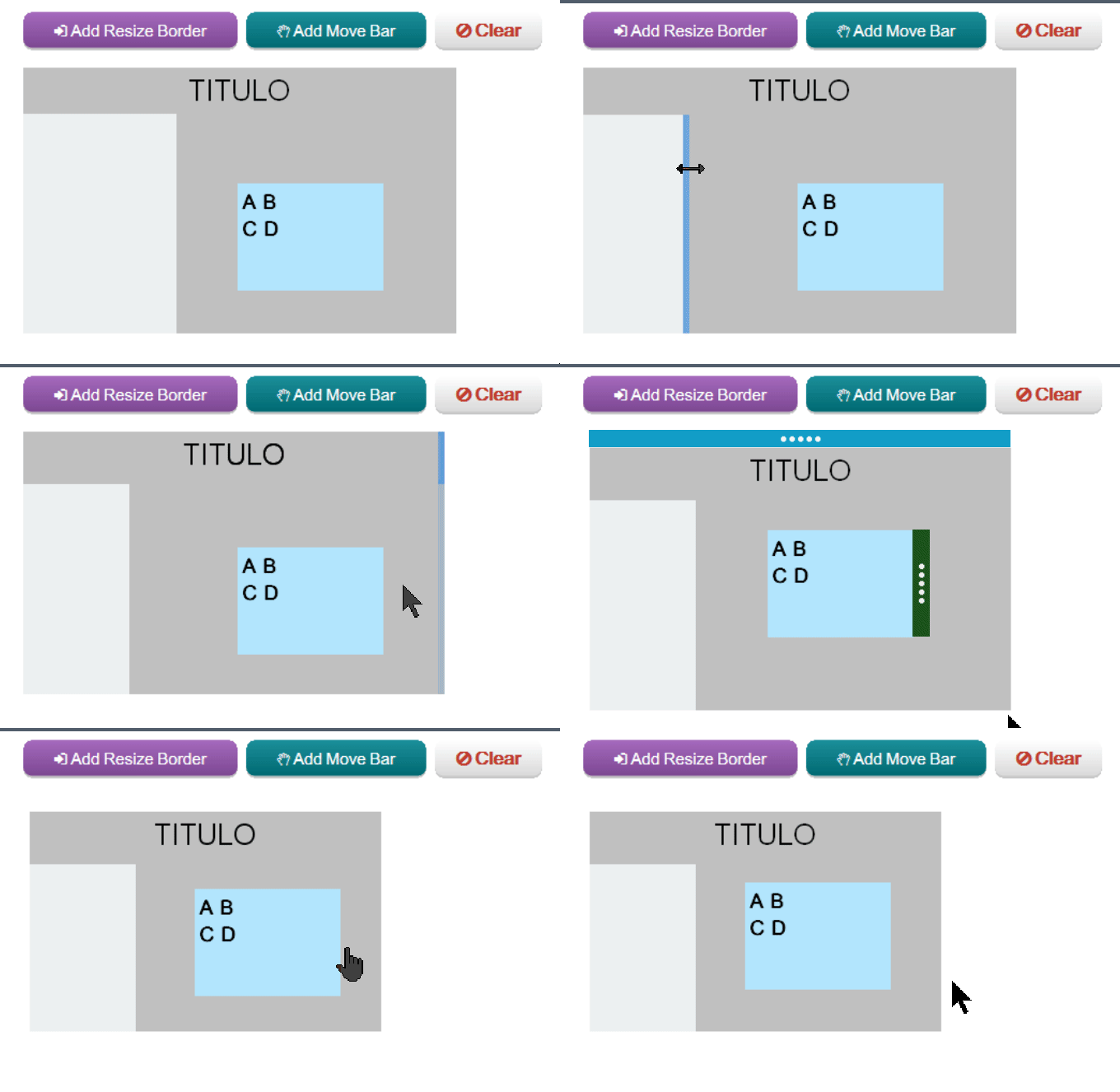
uxElements / uxAddResizeBorder

https://visualneo.com/forum/topic/new-plugin-uxelements-3-0-uxui-resizeborderobj-movebarobj-toast-msg-popup-value-list-badge-uxautotheme-buttons-textentry-text-checkbox-updated-uxgrid-pagination-item-menu-column/

Uploaded files:
  • uxElements_3_Test_JIlBtx8q4S.gif
Anthony LaTorre and iretz have reacted to this post.
Anthony LaTorreiretz