How watch video online from the OneDrive file storage from a given position in time and also so that the video stops at a given position in time - Forum

Forum Navigation
You need to log in to create posts and topics.

How watch video online from the OneDrive file storage from a given position in time and also so that the video stops at a given position in time

Hello. I want to use the VisualNeo Web program to make it so that I can watch video online from the OneDrive file storage from a given position in time and also so that the video stops at a given position in time. I try to use Timer but even according to the instructions I can't get it to work. Does the Timer function actually work? Could you give an example?

@aras please see attached app for a very simple Timer Object sample.

Take a look at the NewPage code tab and Timer Object "expired" code (double click the timer icon).
Let me know if you have any questions.

Thanks.

Uploaded files:
  • You need to login to have access to uploads.
Vadim and Darbdenral have reacted to this post.
VadimDarbdenral

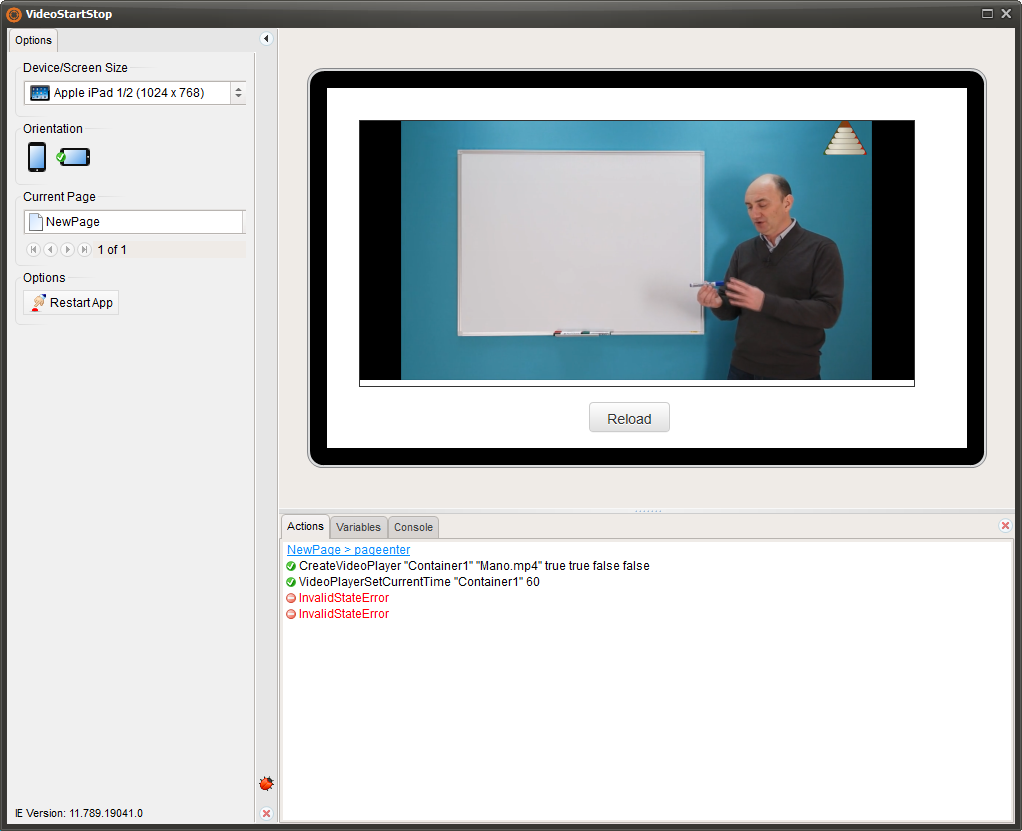
Hello, where is the problem?

Uploaded files:
  • You need to login to have access to uploads.

@aras please take a look at the attached sample. It will play the video from 10 to 15 seconds.
It's important to play the video with a user click as some browsers may block automatic playing.
Let me know if this is what you were looking for.

Best regards.

Uploaded files:
  • You need to login to have access to uploads.

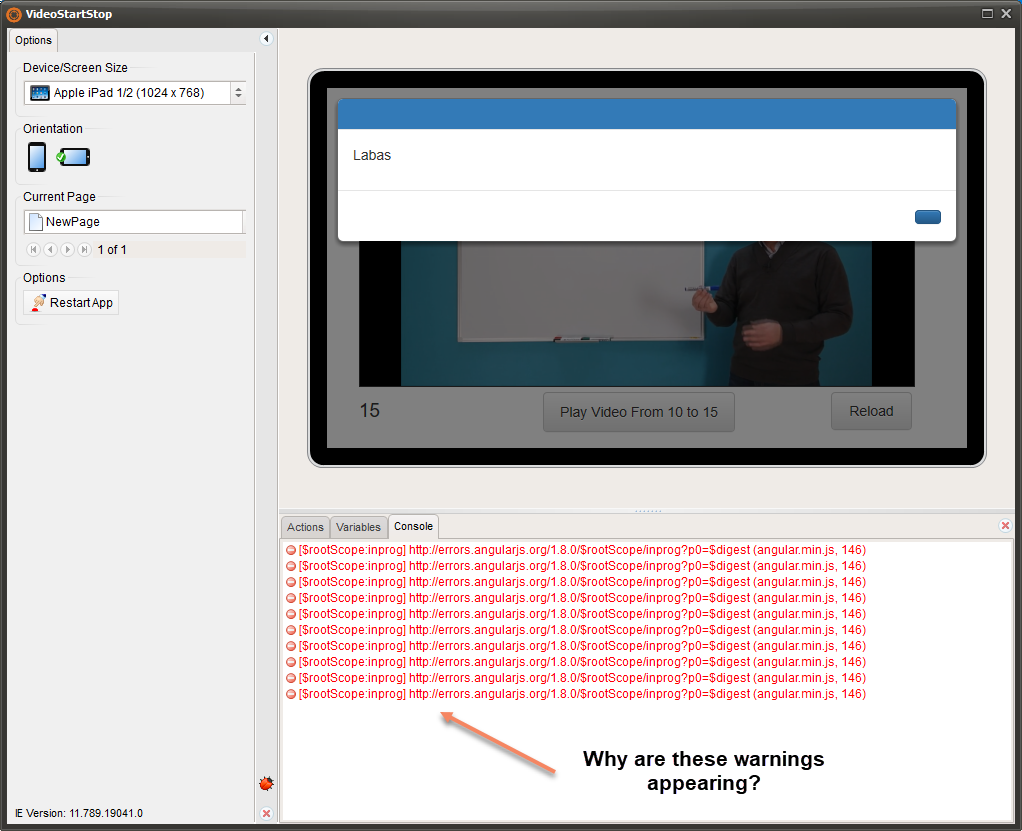
Why are these warnings appearing?

Uploaded files:
  • You need to login to have access to uploads.

@aras because you are testing your app under Internet Explorer (very old web browser). Please test your apps on Chrome, Edge or FireFox instead. And use the Console (F12) to debug your apps.

Regards.